How I've built my own radio for GTA VI...
As a streamer, I often have to anticipate how games are using copyrighted music as part of gameplay in order to avoid DMCA notifications. GTA VI is no exception to the rule - especially when entire radio stations have been created to accompany Jason and Lucia across the amazing map of the game...

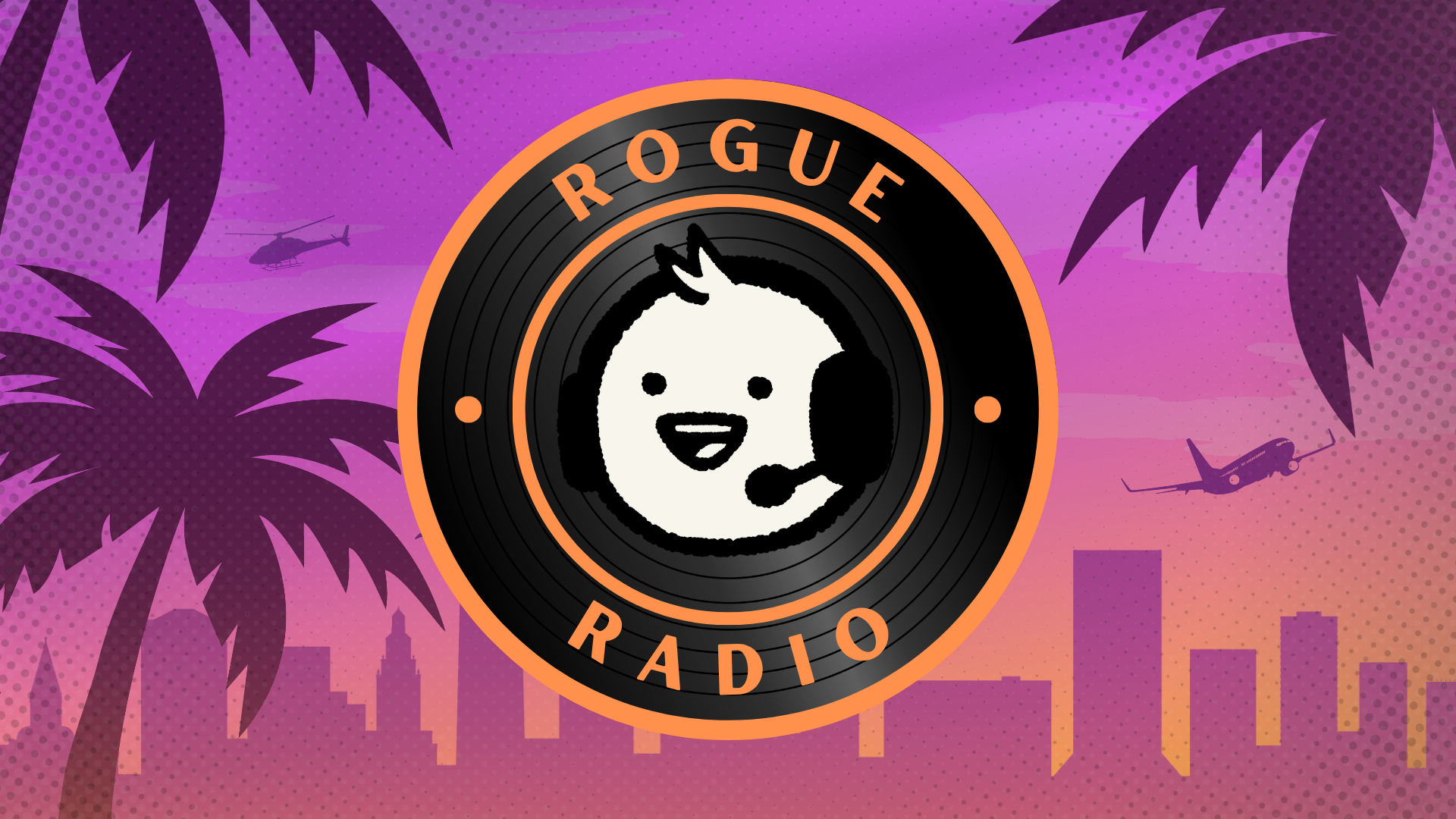
As a streamer, I often have to anticipate how games are using copyrighted music as part of gameplay to prevent any DMCA notifications - this is the reason why most of my livestreams do no share game soundtrack whatsoever.
GTA VI is no exception to the rule - especially when entire radio stations have been created to accompany the adventures of Jason and Lucia across the amazing map of Leonida, blasting great tunes and hilarious podcast segments along the way.
Using the streamer mode of the game will automatically mute copyrighted content (that's a great function for us content creator), but it will also completely remove the musical experience GTA is known for - and that's a bit of a shame for us players and viewers alike.
So, I had a little idea to overcome this problem - something that will allow me to cruise the streets of Vice City in style whilst avoiding a six-stars WANTED status from the copyright police.
I have decided to create Rogue Radio using Uppbeat.io
Staying in keeping with the channel, this copyright-safe and royalty free playlist will accompany the trepidations of our protagonists wherever they go. Uppbeat has a GTA-inspired playlist available, but you can select your own songs - or even use my own curation if you want to as long as you have an active subscription (different tiers available, starting at £7.19 / month at time of posting).
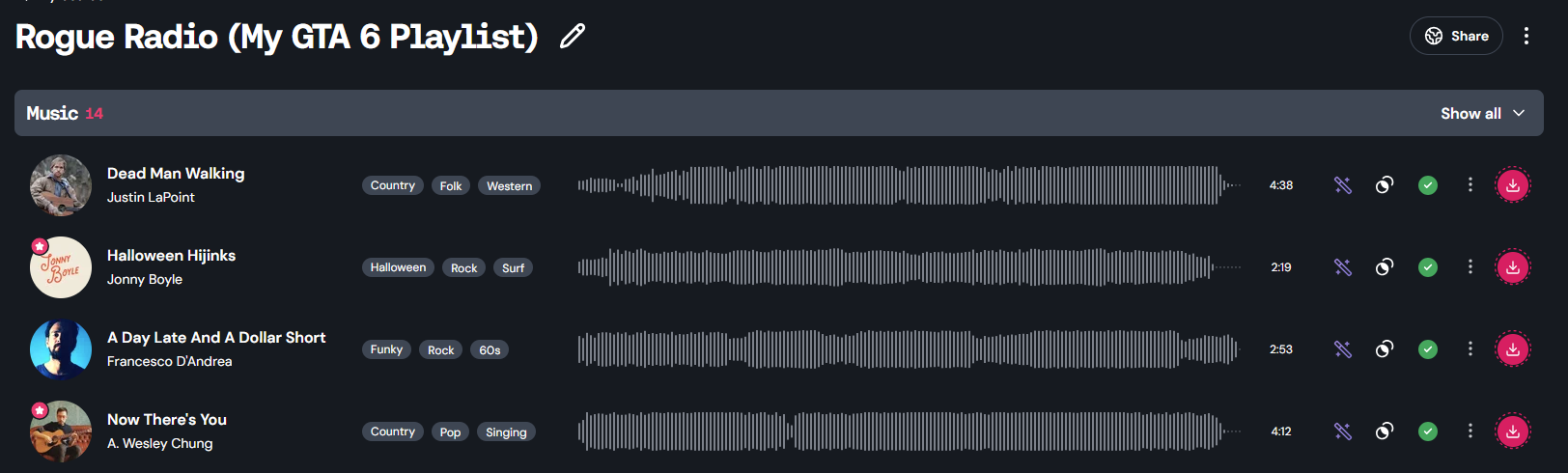
Check my playlist here: https://uppbeat.io/my/boards/shared/82c6a563-05f5-4dc3-bcad-d1297570ab0c
For the technical part - this little project uses OBS and the Elgato Streamer App to trigger the video loop of the logo and the music playlist at the same time. The music plays interrupted in the background via a VLC playlist source and loops once all the songs have been played. This multi-level action is triggered manually every time Jason or Lucia are using their vehicle at the touch of a button - easy!
Next step for the radio will be to record some announcement messages, unless Uppbeat has something in mind for this already (mayyyyyybbbbeeee?), as well as to add volume controllers for ease of use.
This is a fun little project you can easily reproduce at your end should you want to add some musical flair to your streams whilst using stream-safe material (and put amazing musicians and singer-song-writers on the forefront of your audience - I think KEM, Vocalista and Chill Winston are really good fit the mood of the game).
You can use my affiliate link if you wish to support the channel as part of a future subscription to Uppbeat.io https://share.uppbeat.io/s0izs15shnoq - or simply visit the website for more information: https://uppbeat.io
*Stay rogue (and enjoy the tuuuuunes!)
Mentioned in this article
GTA VI, GTA 6, GTA Radio, Rogue Radio, Uppbeat.io
Rogue Radio Image Credit: PNGTuber Stickman by LumiPaint.